How to Stream HLS Videos on WordPress (Step-by-Step Guide)
Streaming videos in WordPress sounds simple — until you try it.
You upload a video, and suddenly:
- Playback is slow
- File sizes are huge
- Mobile experience breaks
- Hosting costs spike
The reason? WordPress doesn't handle video streaming well out of the box.
In this guide, I'll show you how to stream videos using HLS (HTTP Live Streaming) in WordPress — without dealing with FFmpeg, CDNs, or complex setups.
What is HLS?
HLS (HTTP Live Streaming) is a video streaming protocol that breaks your video into small chunks and delivers the best quality based on the viewer's internet speed.
Instead of loading one large file, HLS:
- Adapts to network conditions
- Reduces buffering
- Works across devices (mobile, desktop, tablets)
This is how platforms like YouTube and Netflix deliver smooth playback.
Why WordPress struggles with video
By default, WordPress is not built for video streaming.
If you upload videos directly:
- Large files slow down your site
- No adaptive streaming (single resolution only)
- Bandwidth costs increase quickly
Alternatives like Vimeo or YouTube come with trade-offs:
- Branding and ads
- Limited control
- Expensive plans
So what's the solution?
The simplest way to stream HLS in WordPress
Instead of setting up your own streaming infrastructure, you can use a plugin that handles everything for you.
With VideoFlowEngine:
- Upload your video
- It automatically converts to HLS
- Streams via global CDN
- Works instantly in WordPress
No servers. No encoding setup.
Try VideoFlowEngine → Stream videos in WordPress without setup — free to start.
Step-by-step guide
1. Install the plugin
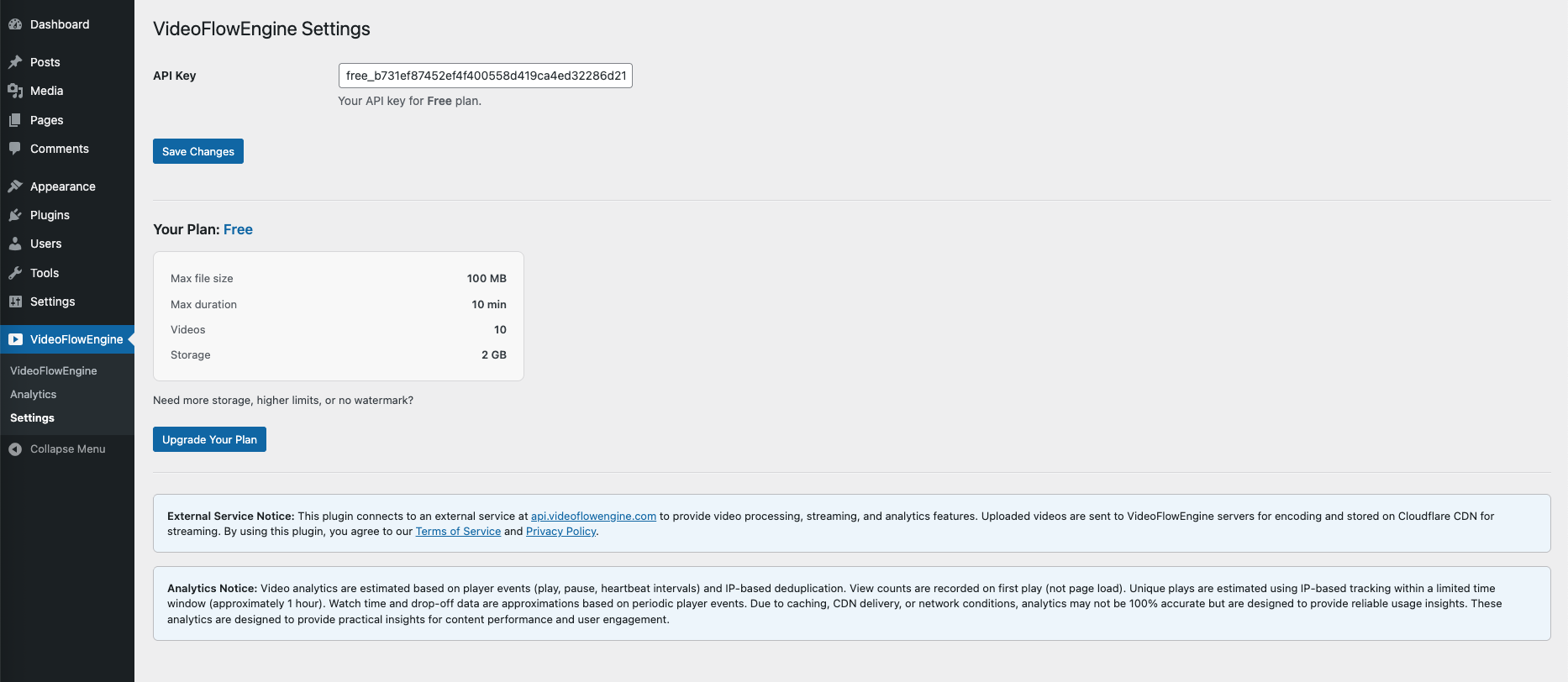
Install and activate the VideoFlowEngine plugin in your WordPress dashboard.
No API keys or configuration required.
2. Upload your video
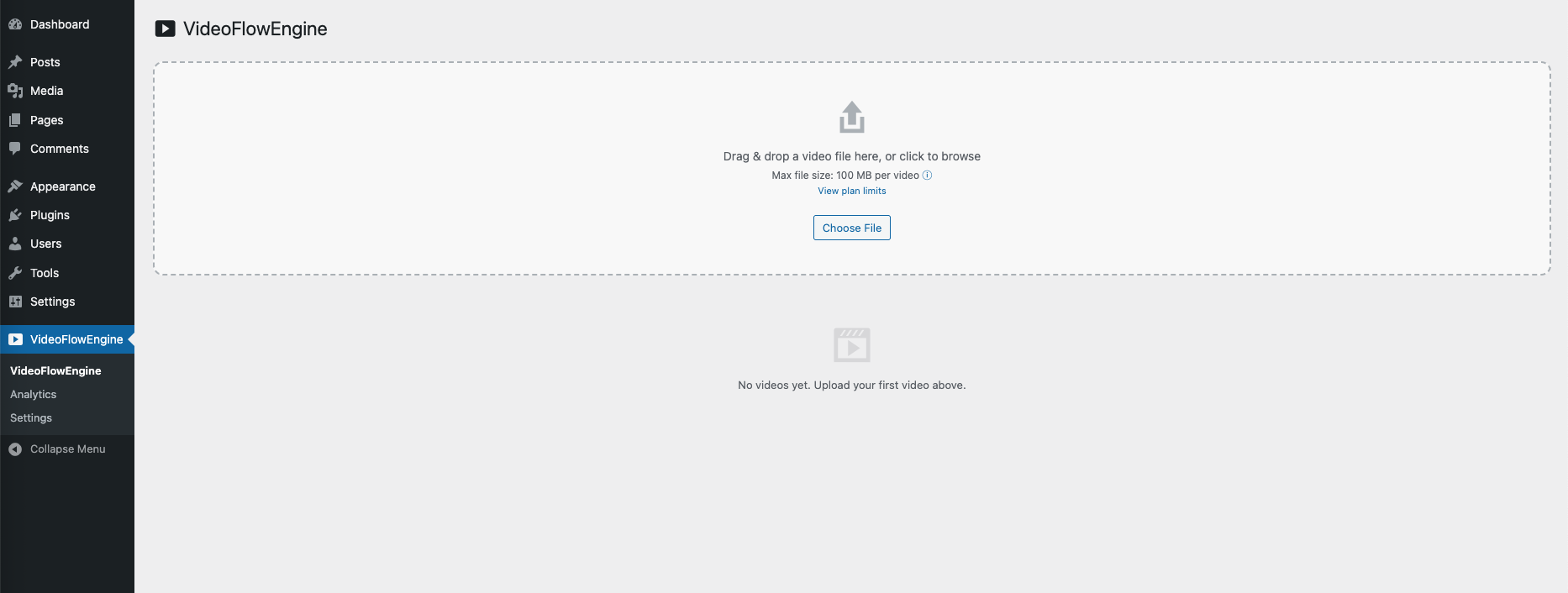
Go to VideoFlowEngine in your admin panel and upload your video.
It will be automatically encoded into multiple resolutions (360p–1080p).
3. Embed and stream
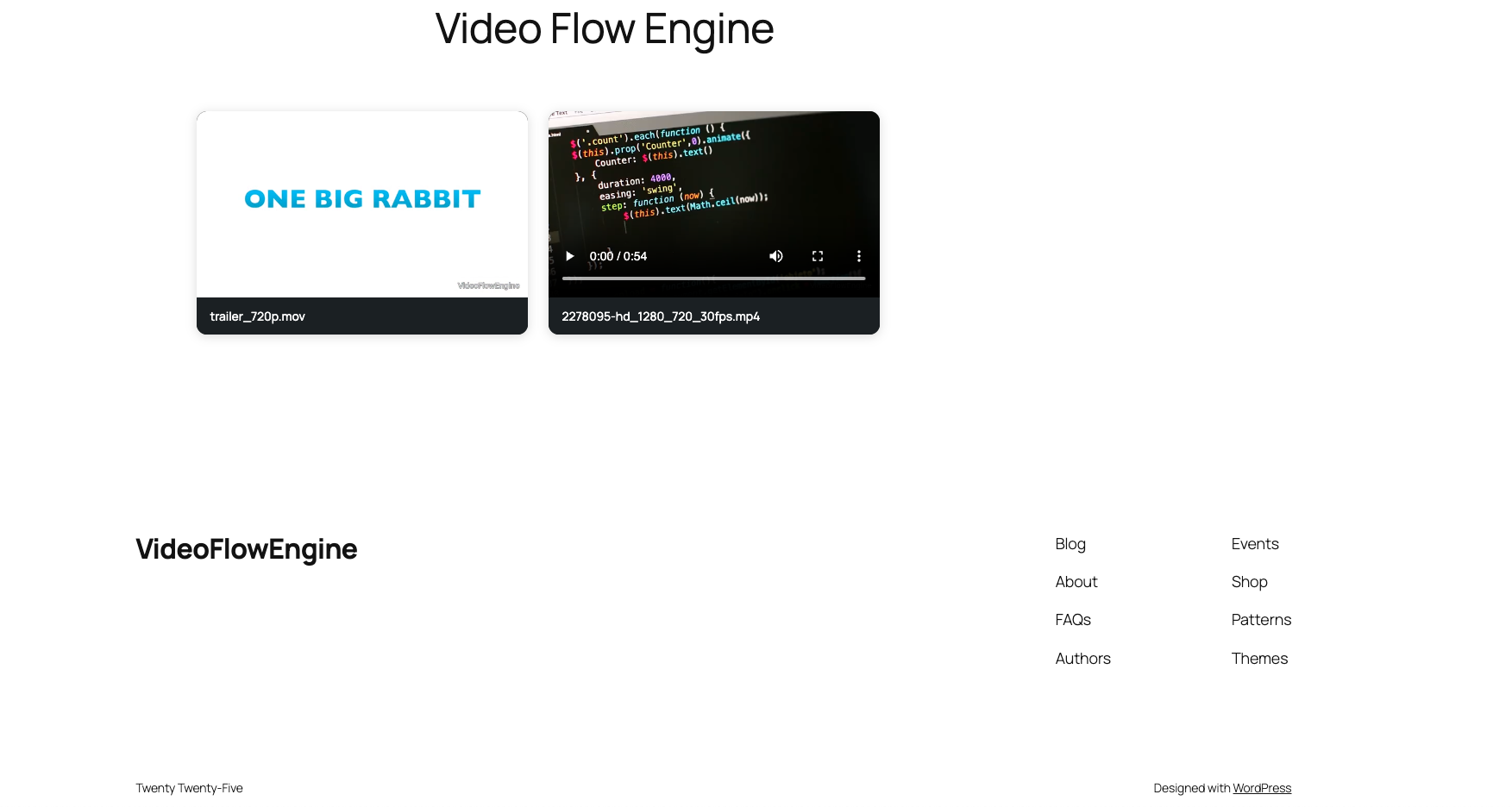
Copy the shortcode and paste it into any post or page:
Your video will stream instantly with adaptive playback.
What happens behind the scenes
Once you upload a video:
- It is encoded into HLS format (multiple resolutions)
- Delivered via a global CDN (Cloudflare)
- Optimized for all devices and connection speeds
This ensures smooth playback without buffering.
Can users download HLS videos?
HLS streaming makes direct downloads difficult because videos are delivered in small chunks rather than a single file.
However, no online system can fully prevent downloads.
When should you use this?
This setup is ideal for:
- Course creators
- Membership sites
- SaaS product demos
- Agencies managing client videos
Conclusion
Streaming video in WordPress doesn't have to be complicated.
With the right setup, you can:
- Deliver smooth playback
- Reduce bandwidth issues
- Avoid complex infrastructure
If you're building anything video-heavy on WordPress, HLS streaming is the way to go.