How It Works
From upload to playback in 4 simple steps. No server setup, no encoding knowledge needed.
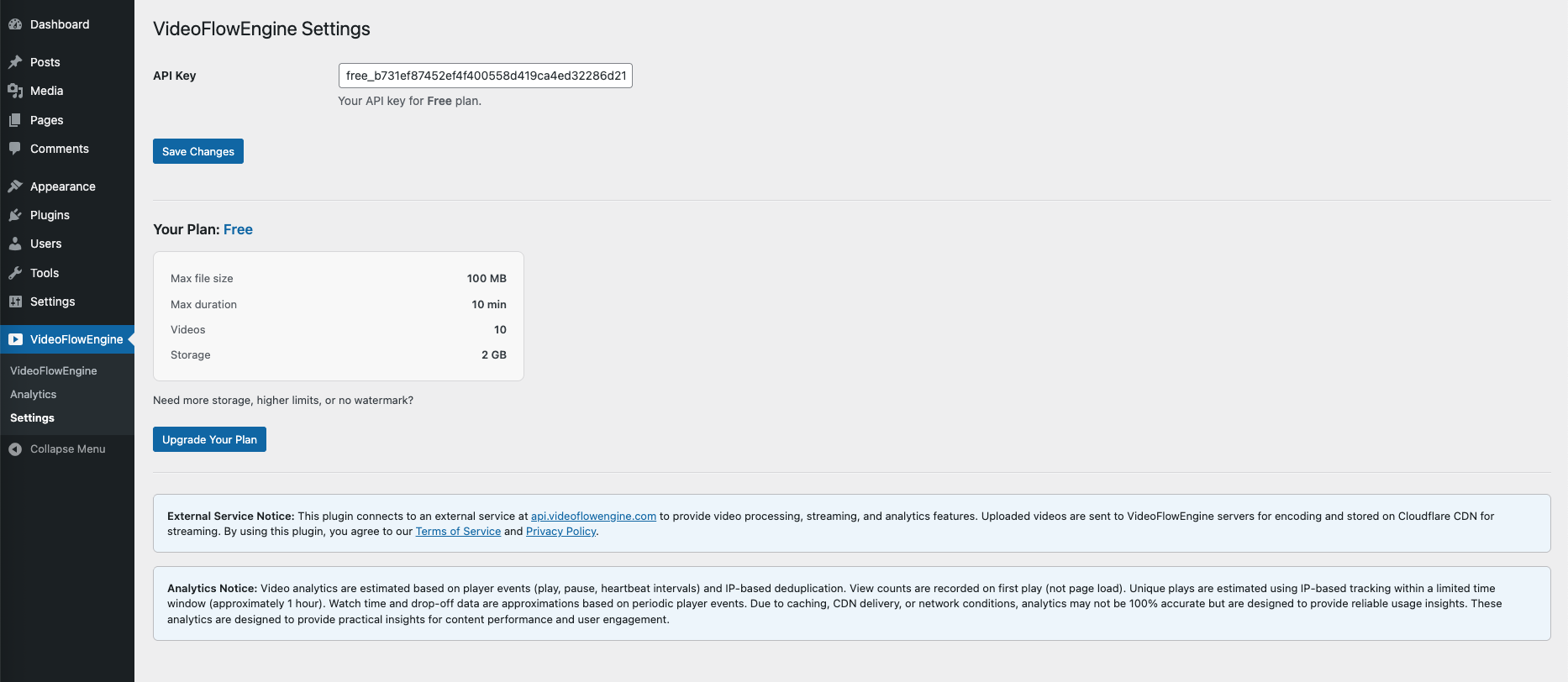
Install & Activate
Install the plugin on your WordPress site and activate. No signup required — your API key is generated automatically. You're ready to upload in seconds.
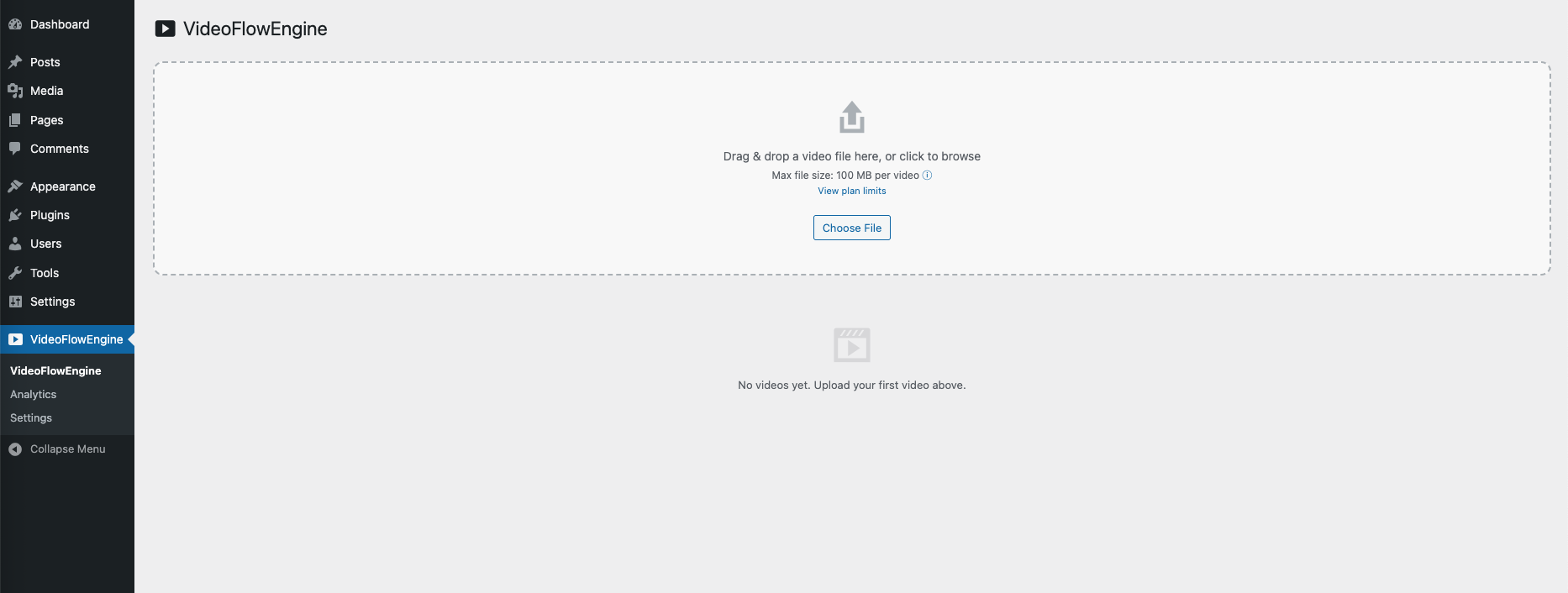
Upload Your Video
Drag & drop any video file into the upload zone, or click to browse. Supports MP4, MOV, AVI, MKV and more. Your video is securely sent to our encoding servers.
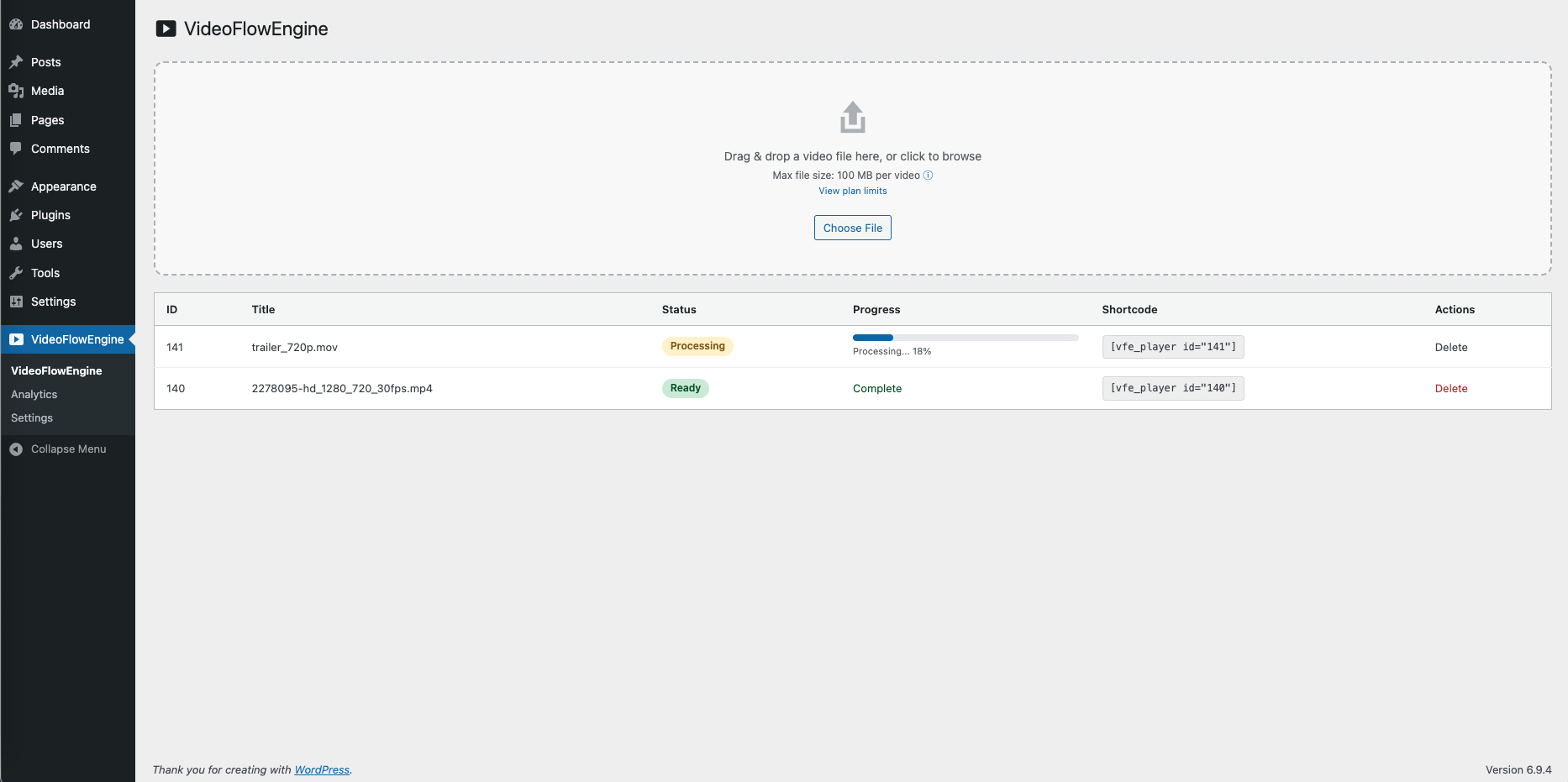
Automatic Processing
Your video is encoded into HLS format with adaptive bitrate streaming. Track real-time progress right from your WordPress dashboard.
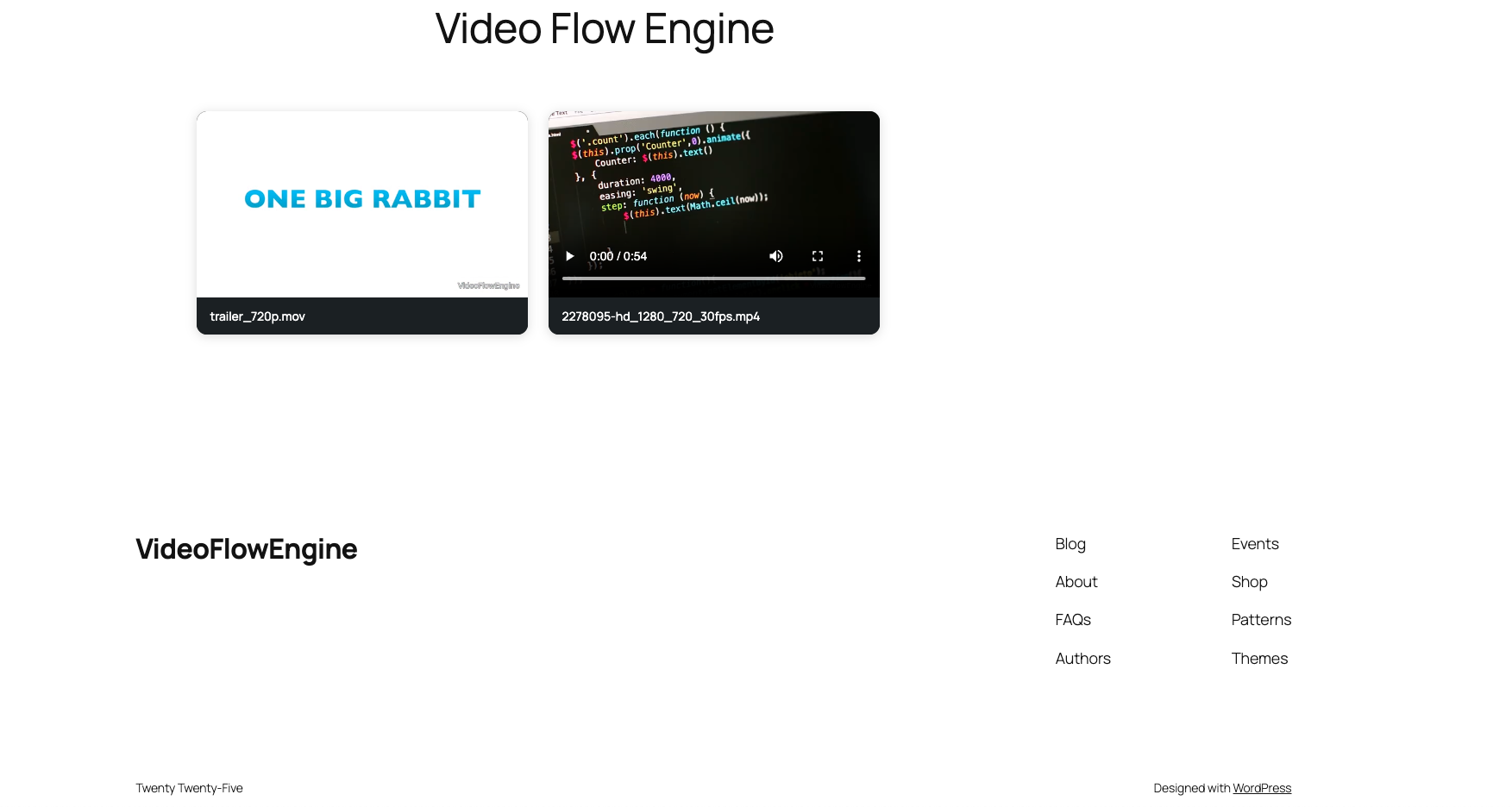
Embed & Play
Once ready, copy the shortcode and paste it on any page or post. Your video streams via HLS on Cloudflare's global CDN — fast, smooth playback on every device.
See It In Action
The complete flow — from upload to playback

Still unsure? See real comparison
Compare traditional MP4 vs adaptive HLS streaming side by side.
View DemoReady to stream?
Be the first to use VideoFlowEngine when it goes live.
Install FreeFree tier included • No credit card required